Waste ink bottle full alarm system
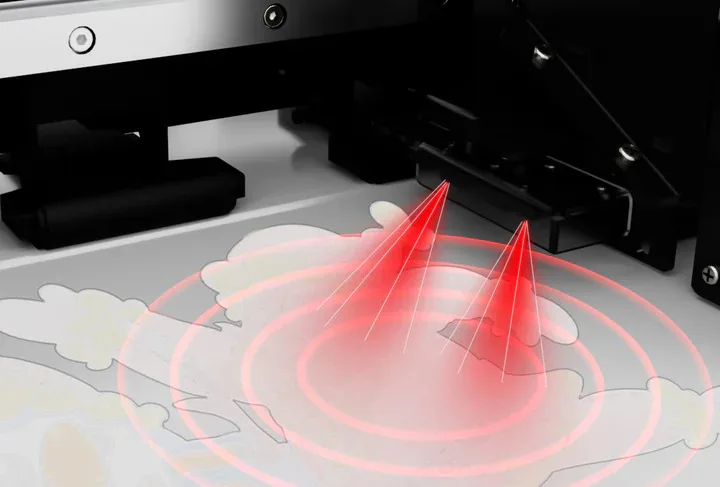
The waste ink bottles are equipped with alarm sensors that emit beeping sounds to help remind youto empty the waste ink bottles
intime.


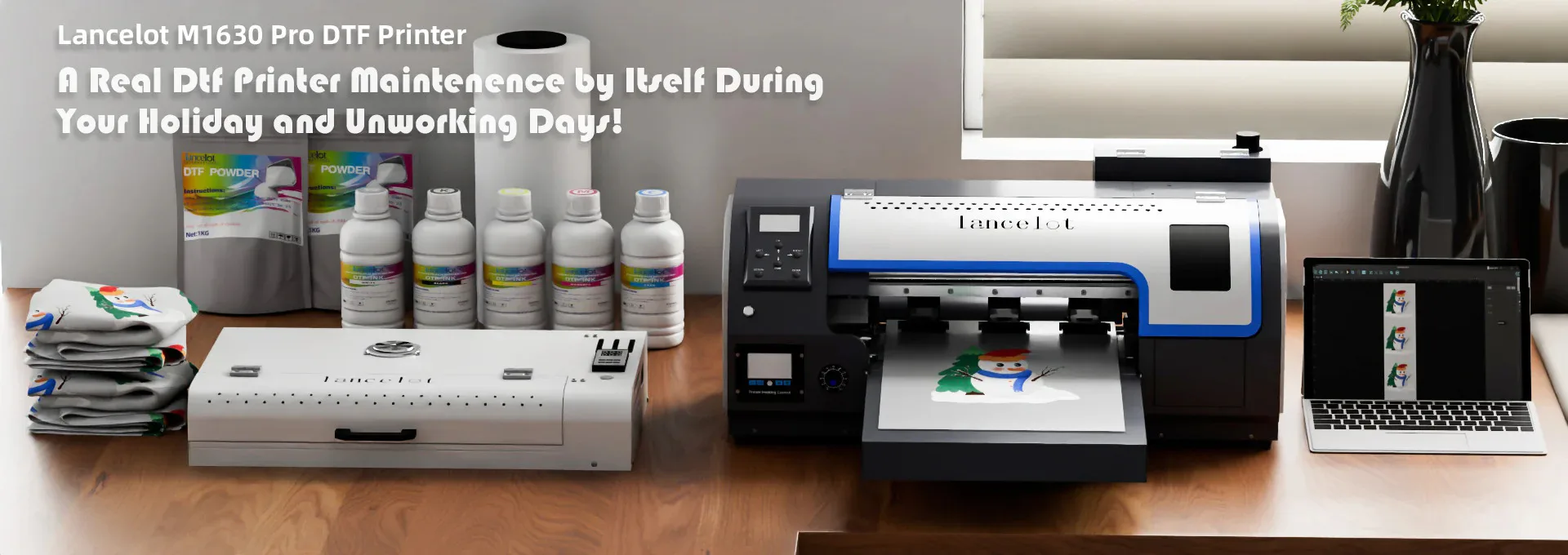
Print stunning full-color designs on any fabric — with zero limits. The Lancelot M1630 Pro DTF (Direct-to-Film) Printer is a professional-grade A3 printing solution for custom t-shirts, hoodies, bags, and more. With white ink circulation, auto-maintenance, and an upgraded roll feeder system, it delivers vibrant CMYK + White prints with precision and consistency.
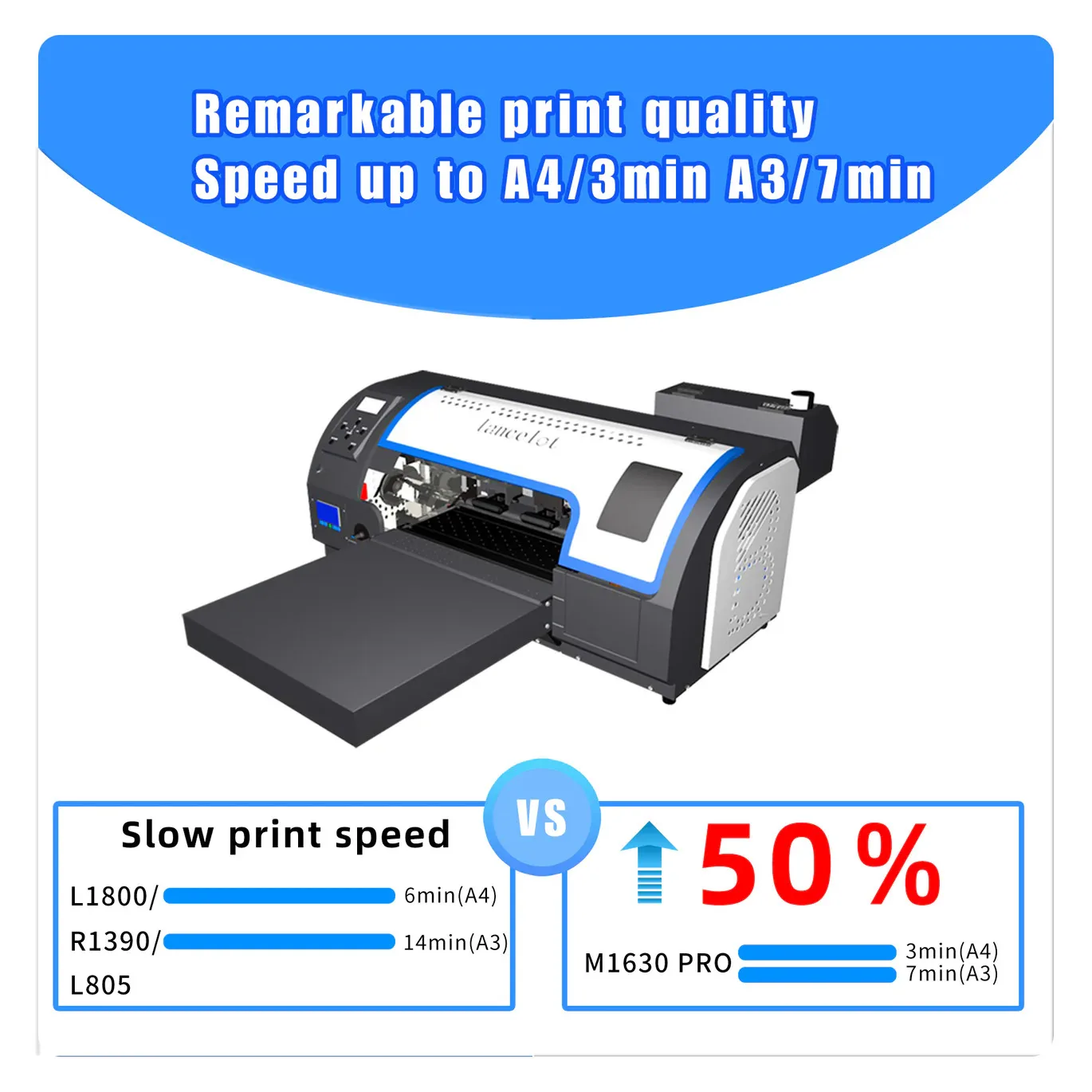
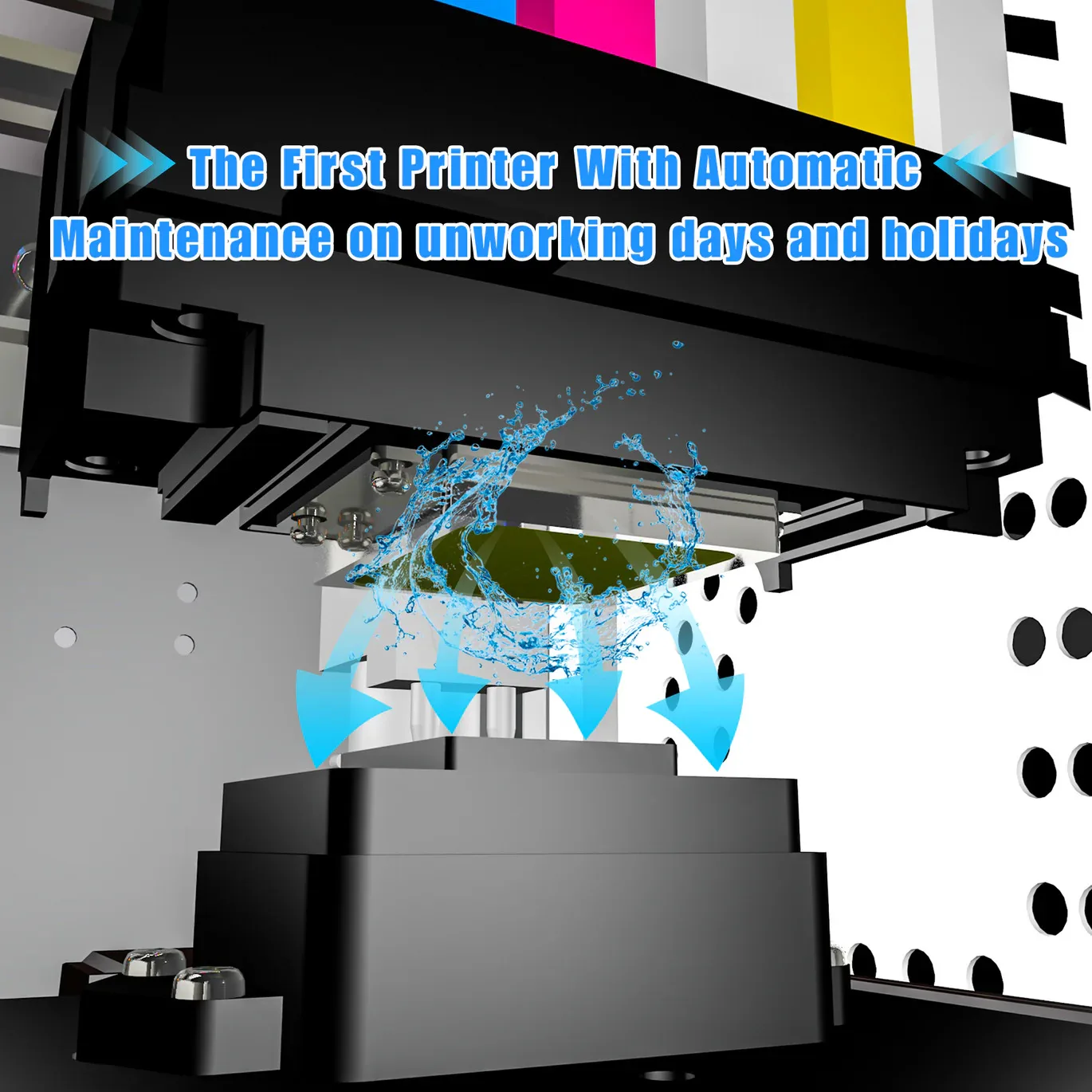
✅ A3 print size — perfect for t-shirts & apparel ✅ CMYK + White ink (pigment) — vivid, durable prints on any color fabric ✅ White ink auto-circulation — prevents clogging, extends printhead life ✅ Auto-maintenance system — keeps the printer in peak condition ✅ Upgraded roll feeder — auto & manual film cutting for faster workflow ✅ Waste ink bottle alarm — alerts you before overflow ✅ 720 x 1440 dpi resolution — sharp, detailed prints ✅ F1080 printhead — reliable & high-performance ✅ Android controller — easy operation ✅ Dimensions: 92 x 57 x 53cm | Weight: 70kg
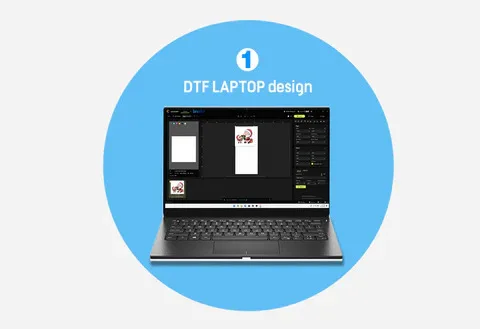
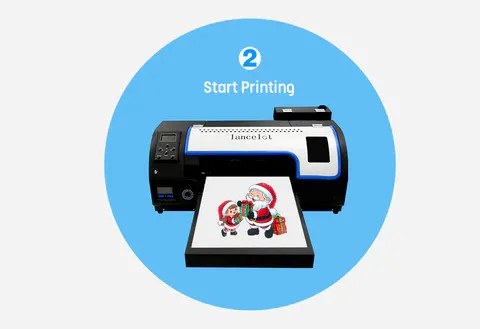
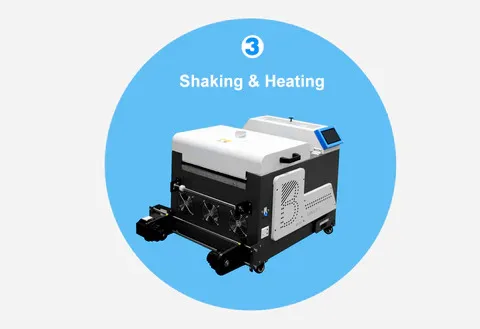
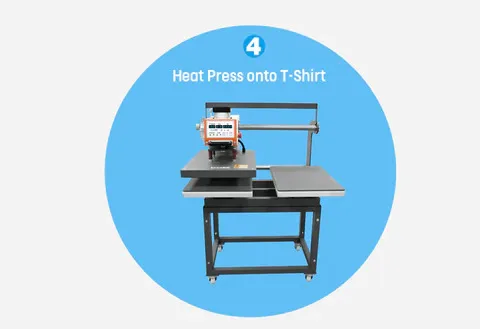
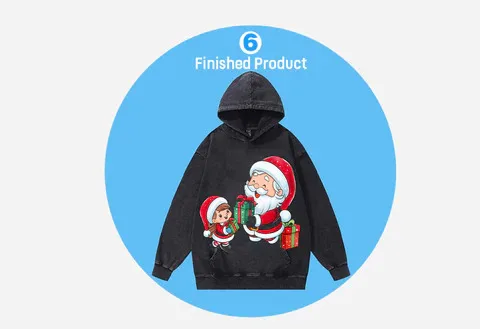
How it works: Design → Print onto film → Apply powder & heat cure → Heat transfer to garment → Peel film. Done!